内置主题
内置主题按文档类型分,不按审美分。每套都是独立的配色和版式 —— 正文宽度、标题体系、提示块形态、Tab 形态、表格线各不相同。
或者写进源文档,让它跟着文档走:
--theme 压过 frontmatter。 命令行是「这一次编译」的意图,frontmatter 是「这份文档一贯的样子」—— 一次性的意图应该能盖过长期设定。
名字写错报 DOC-106,退回 default 继续编译:主题错了只影响长相,内容是对的。
一览
这张表是主题清单本身生成的,不是照着抄的第二份:每一行的说明就是 DOC-106 诊断里印出来的那一句(ADR-0047)。
| 主题 | 写什么用它 |
|---|---|
default | 通用中性:GitHub 那套色,最不抢内容 |
minimal | 极简:黑白灰、窄栏、衬线标题、大留白 |
tech-dark | 技术风:等宽标题、方角、青色强调 |
editorial | 编辑部:大号衬线标题、章节编号、细分隔线,像杂志内页 |
console | 控制台:等宽为骨、高密度、状态色,像一块盯着看的面板 |
paper | 学术:窄正文列 + 边注、编号标题、无圆角,像一篇论文 |
fiction | 小说:窄栏、首行缩进、段间不留空,为连续阅读排的版 |
manual | 技术文档:代码块是主角、表头吸顶、斑马纹长表格 |
prd | 需求文档:每节一条带编号的需求、验收清单、约束卡片 |
architecture | 系统设计:图占最宽画布、引用块是决策记录、三线表摆取舍 |
blueprint | 详细设计:三级编号、紧凑字段表、等宽标题,密度优先 |
incident | 故障报告:步骤变时间轴、危险色压过一切、影响面表格 |
lesson | 教学讲义:暖纸窄栏、衬线正文、等宽眉批、旁注靠一条左线 |
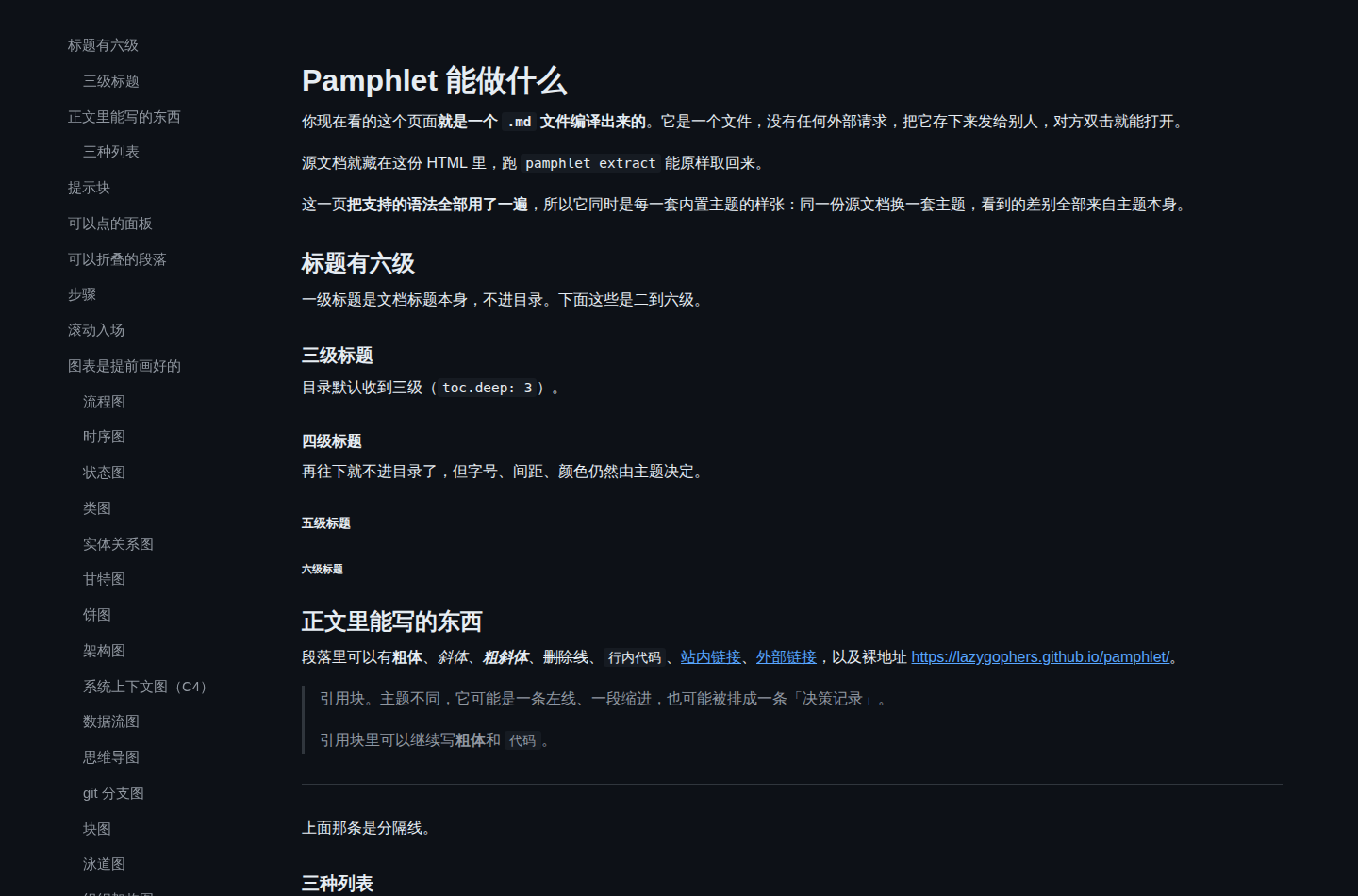
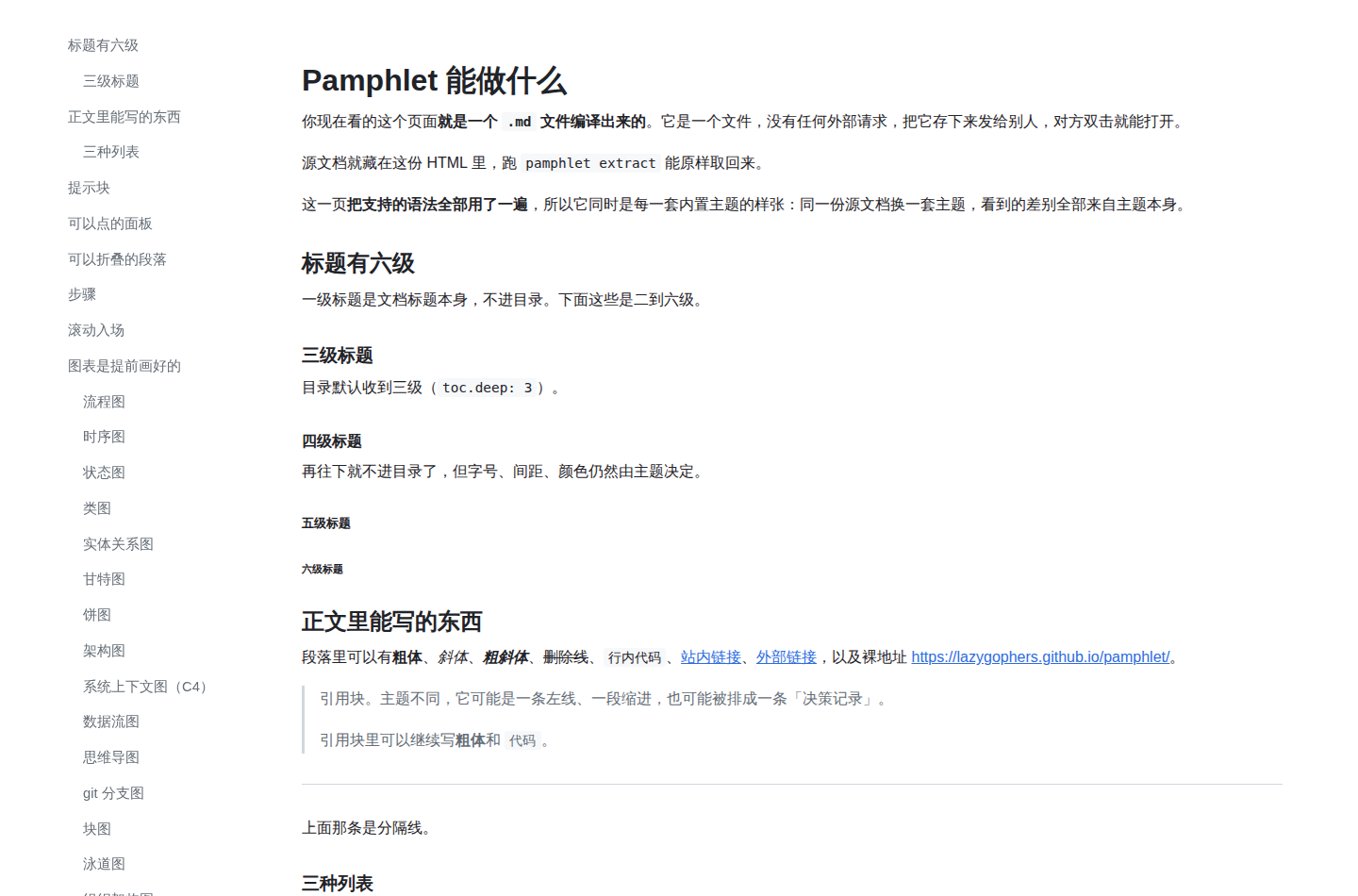
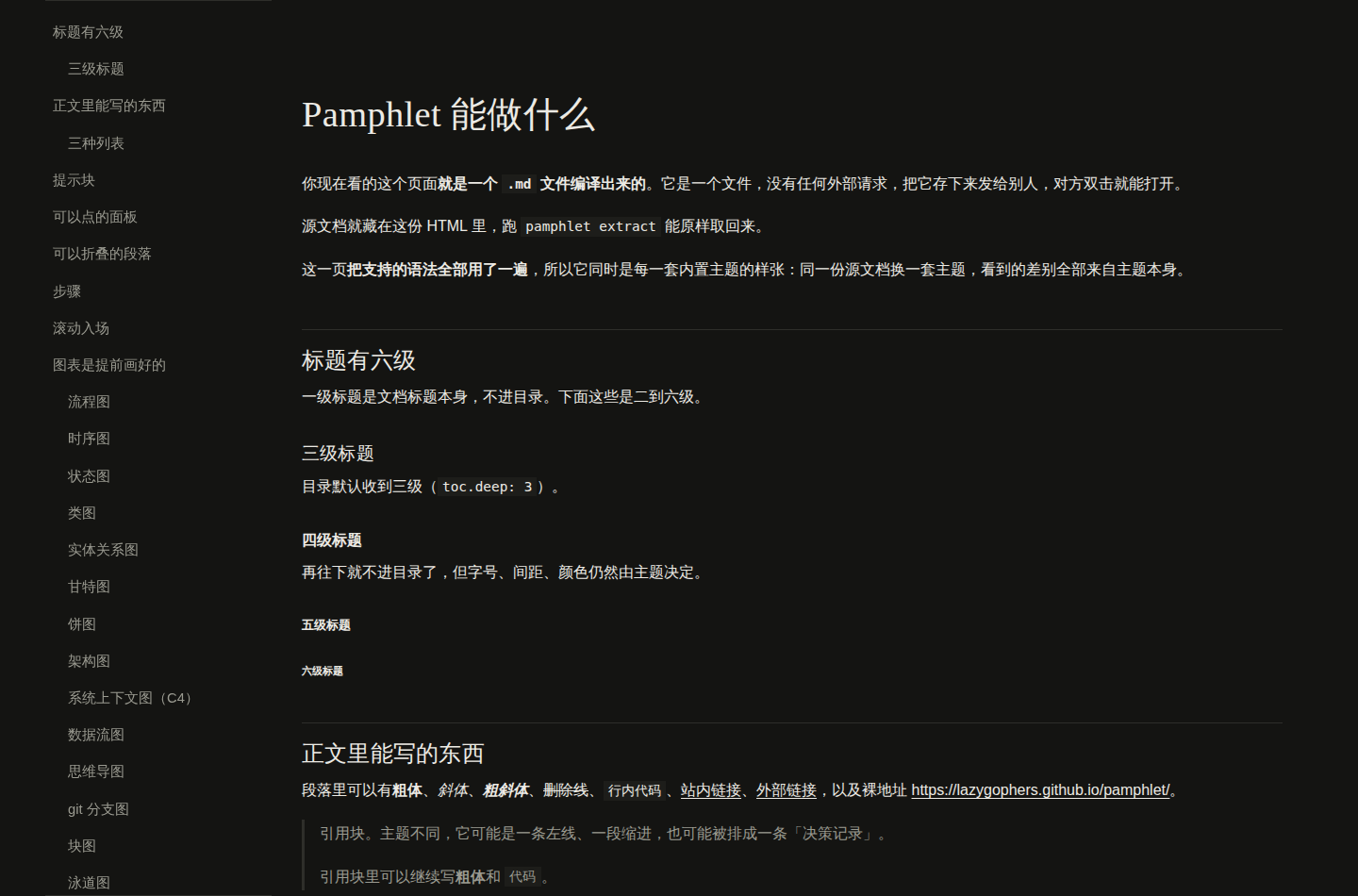
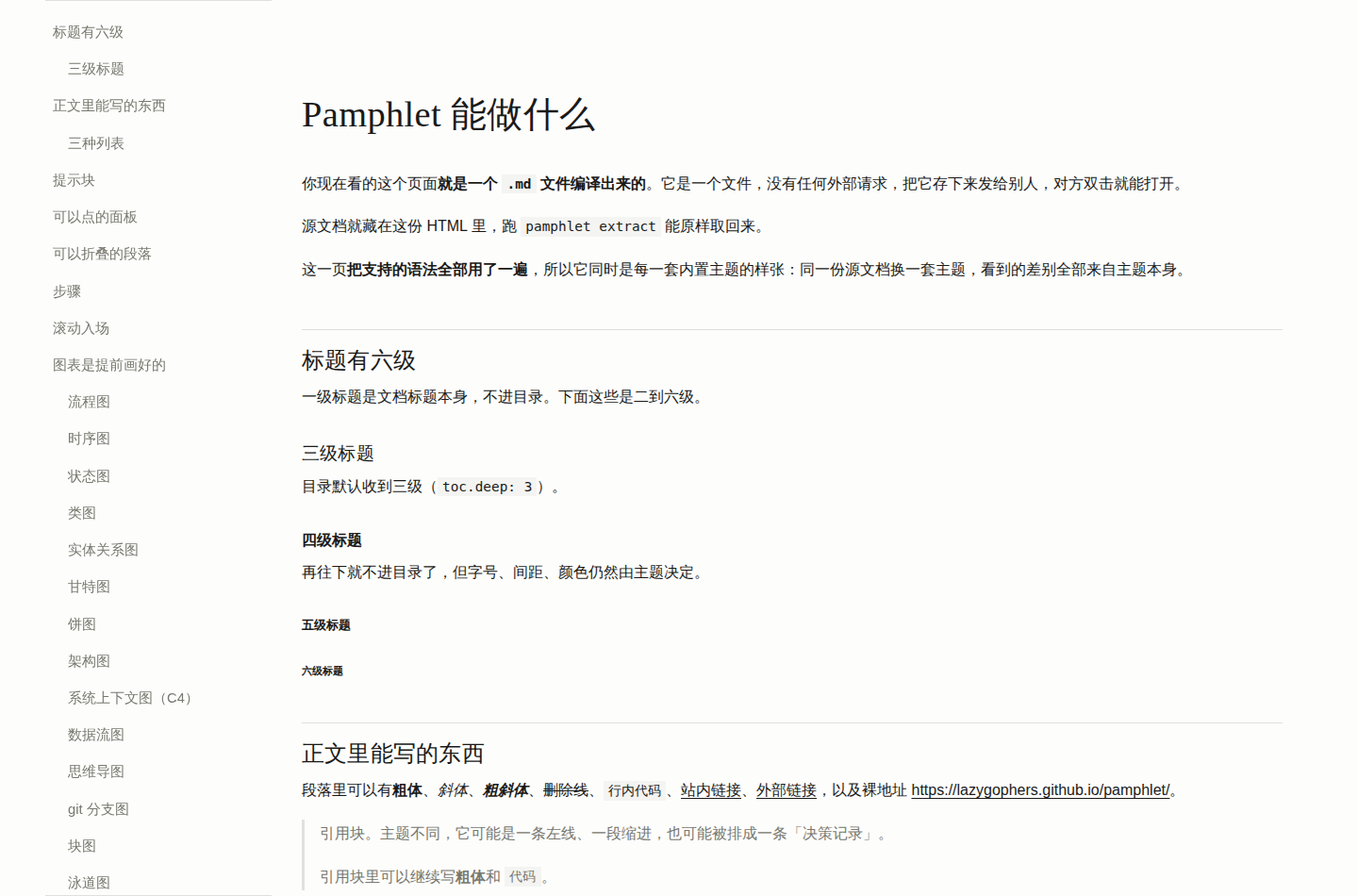
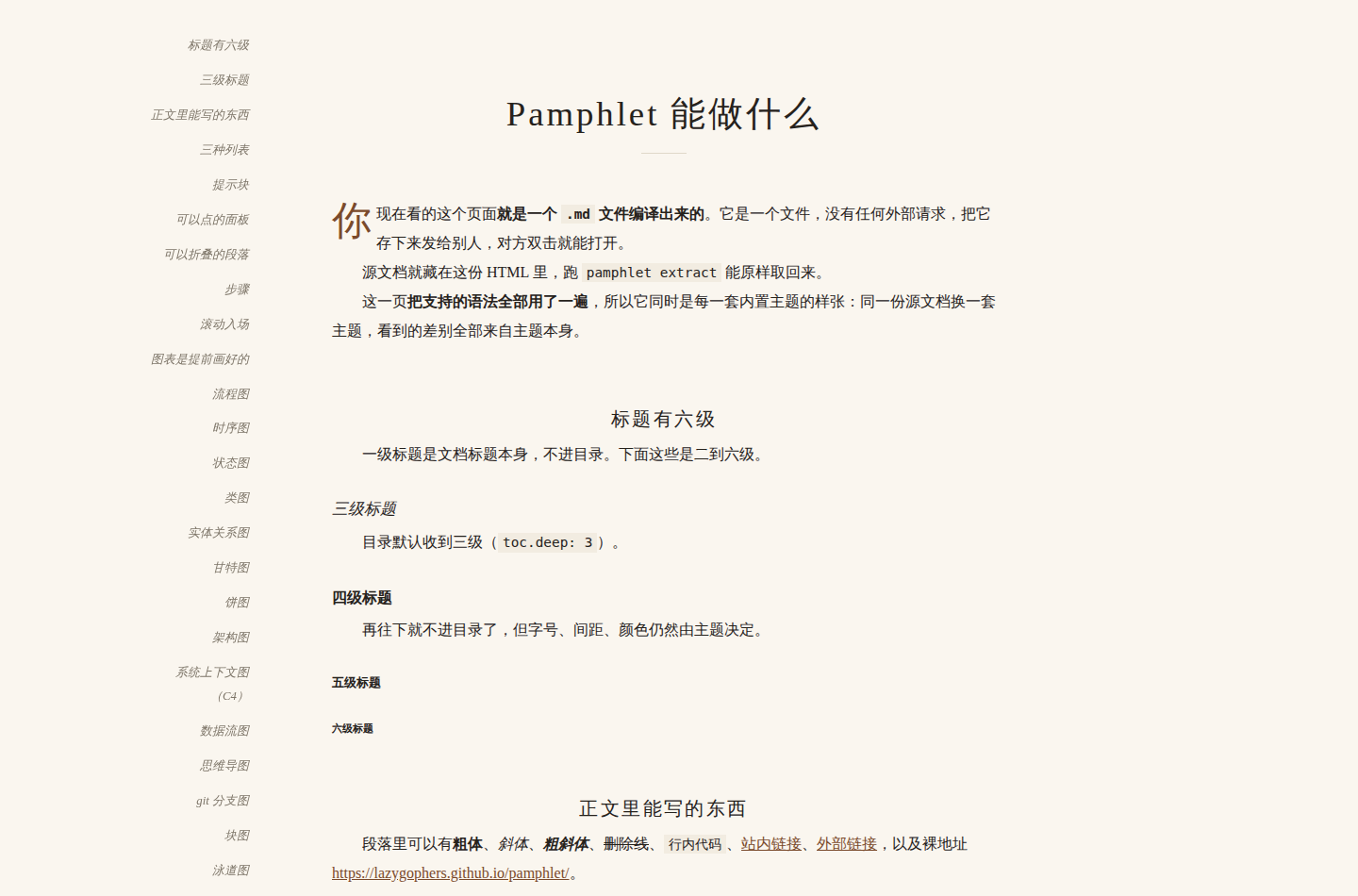
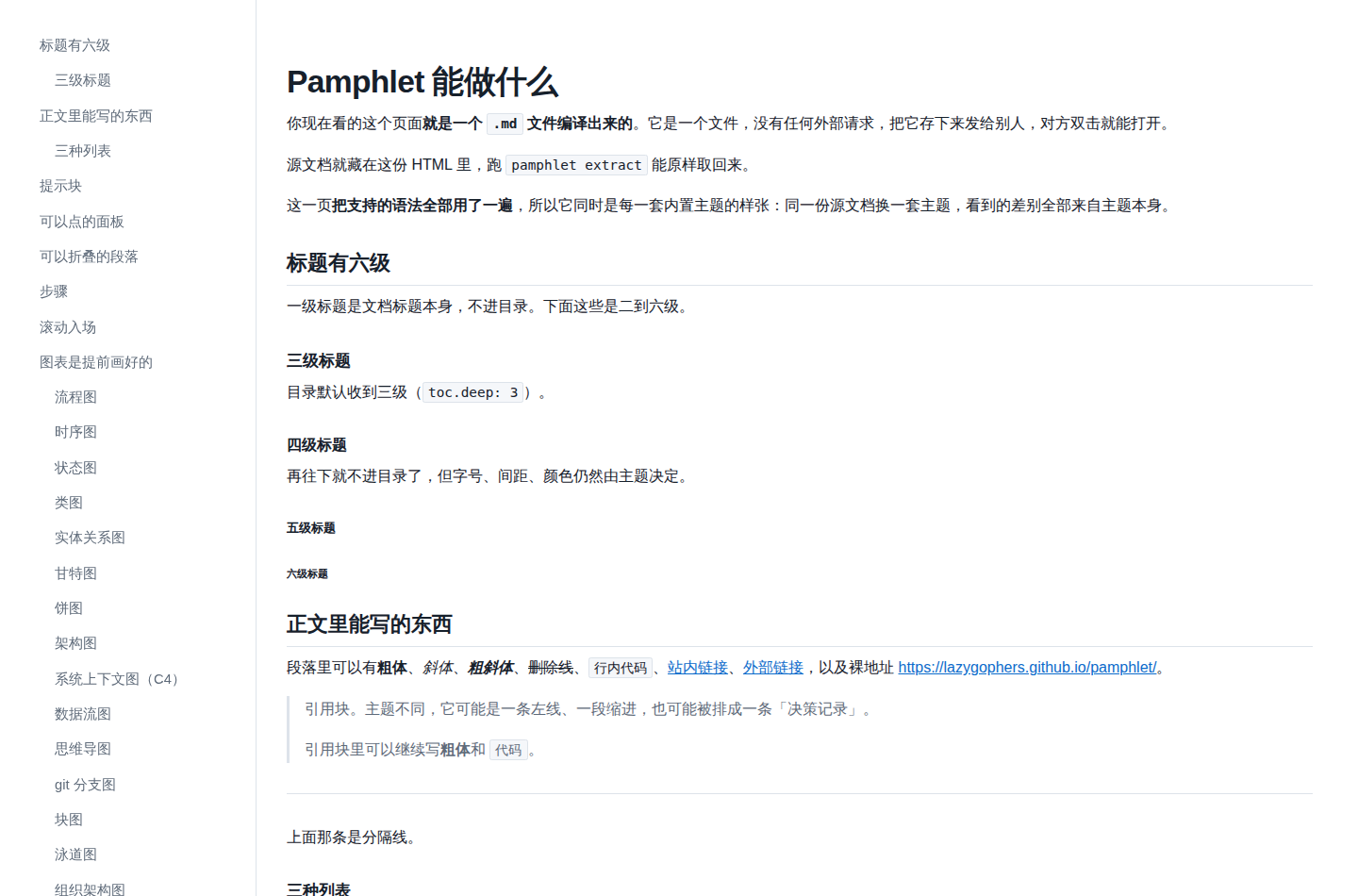
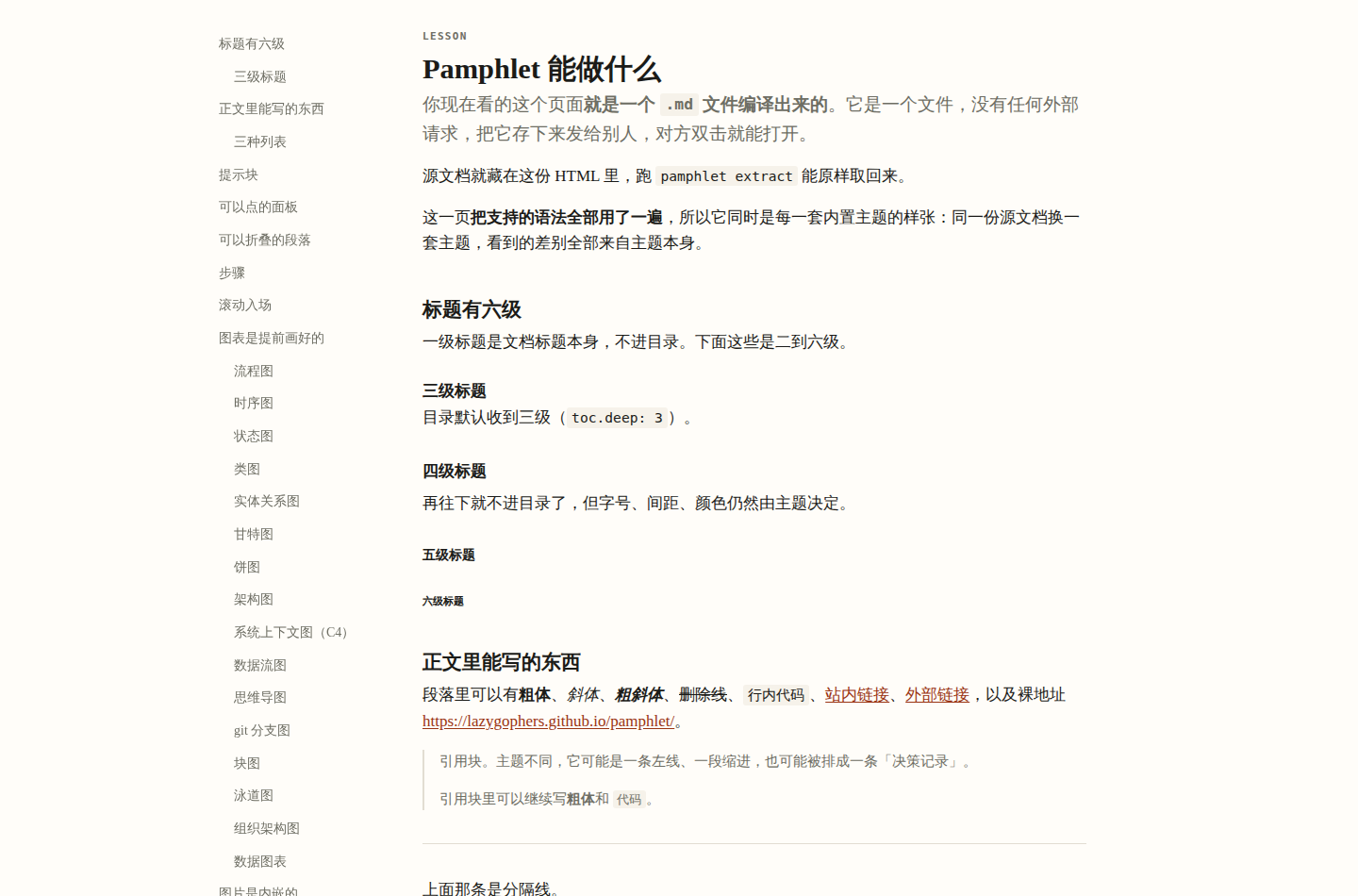
下面每一套有两张截图和一份可以点开的完整样例。两张分别是屏幕上(深色,产物的缺省,不看读者的系统设置)和打印时(浅色,唯一的例外)。三者出自同一次真实编译,源文档是同一份 examples/demo.md —— 所以看到的差别全部来自主题本身。
截图看不出 Tab 能不能点、折叠块怎么展开、侧边菜单跟不跟着滚,这些要点进样例里试。
default
通用中性。缺省值,所以最不容易出错、最不抢内容。
屏幕上
打印时
minimal
只有黑白灰和一条细线。窄栏、大留白、衬线标题、直角。提示块退成一条左线加一行小标题。
屏幕上
打印时
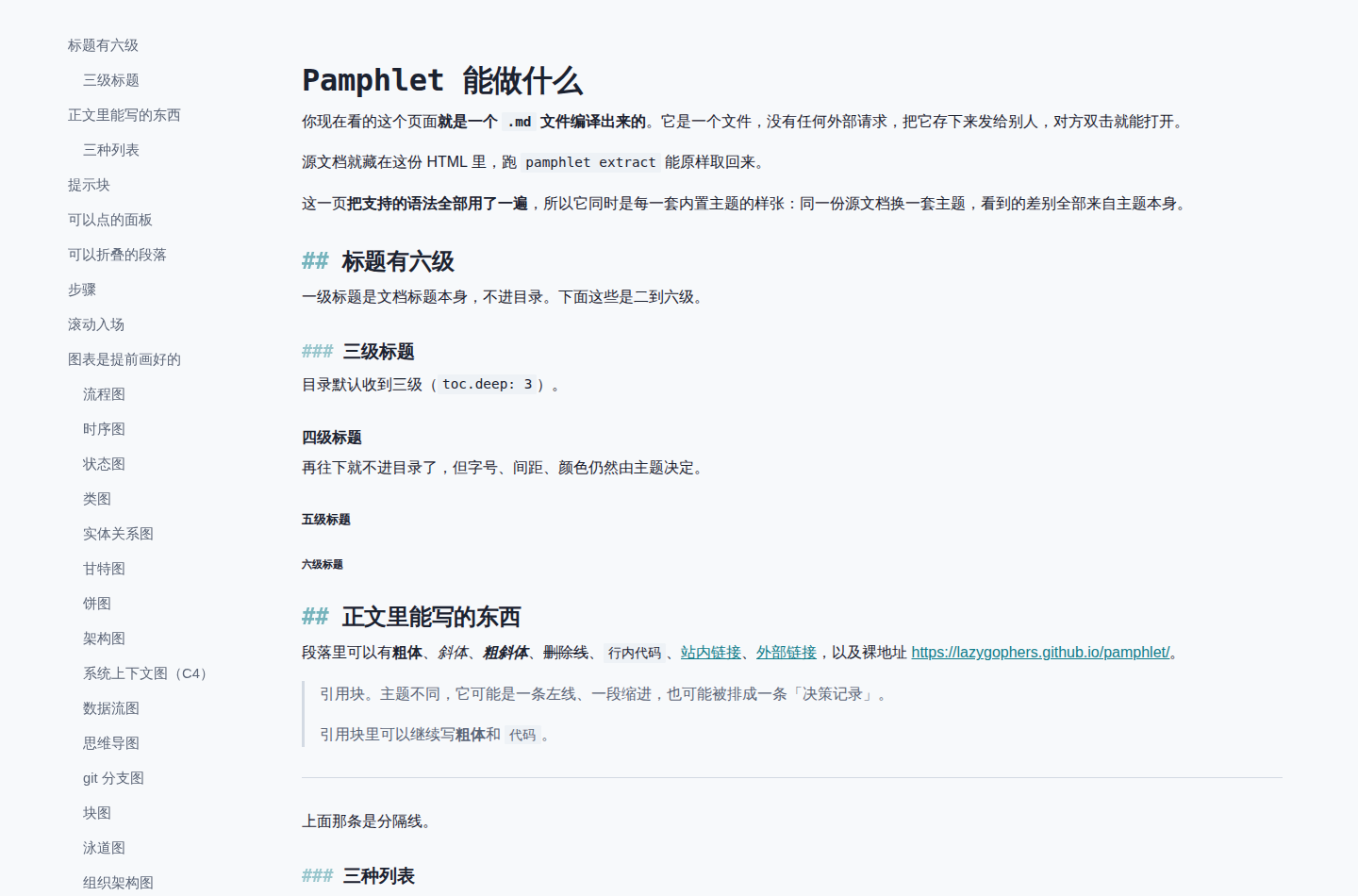
tech-dark
等宽标题、方角、青色强调,`##` 标记显示在标题前。提示块整块底色加顶部色条。
屏幕上
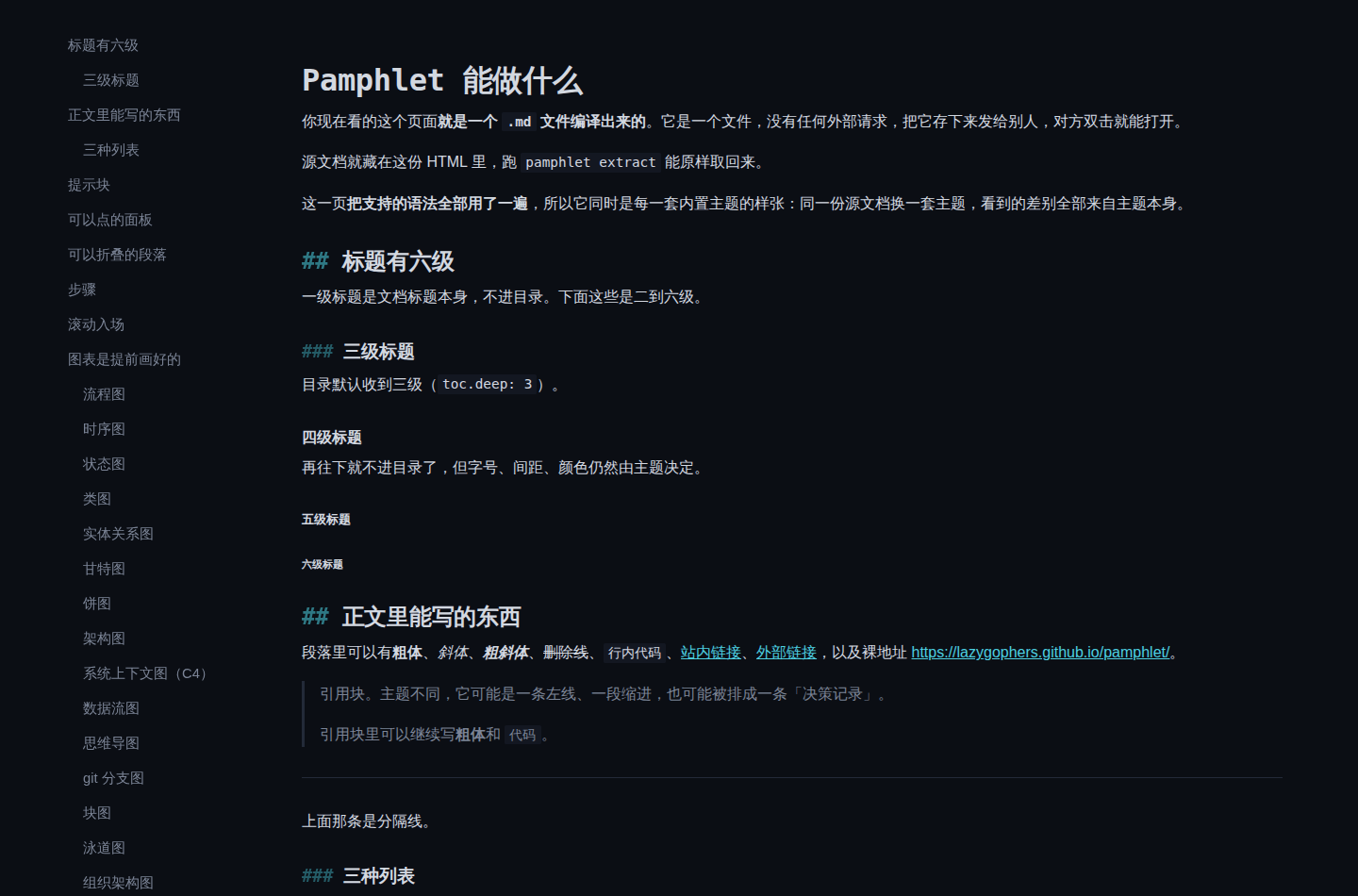
打印时
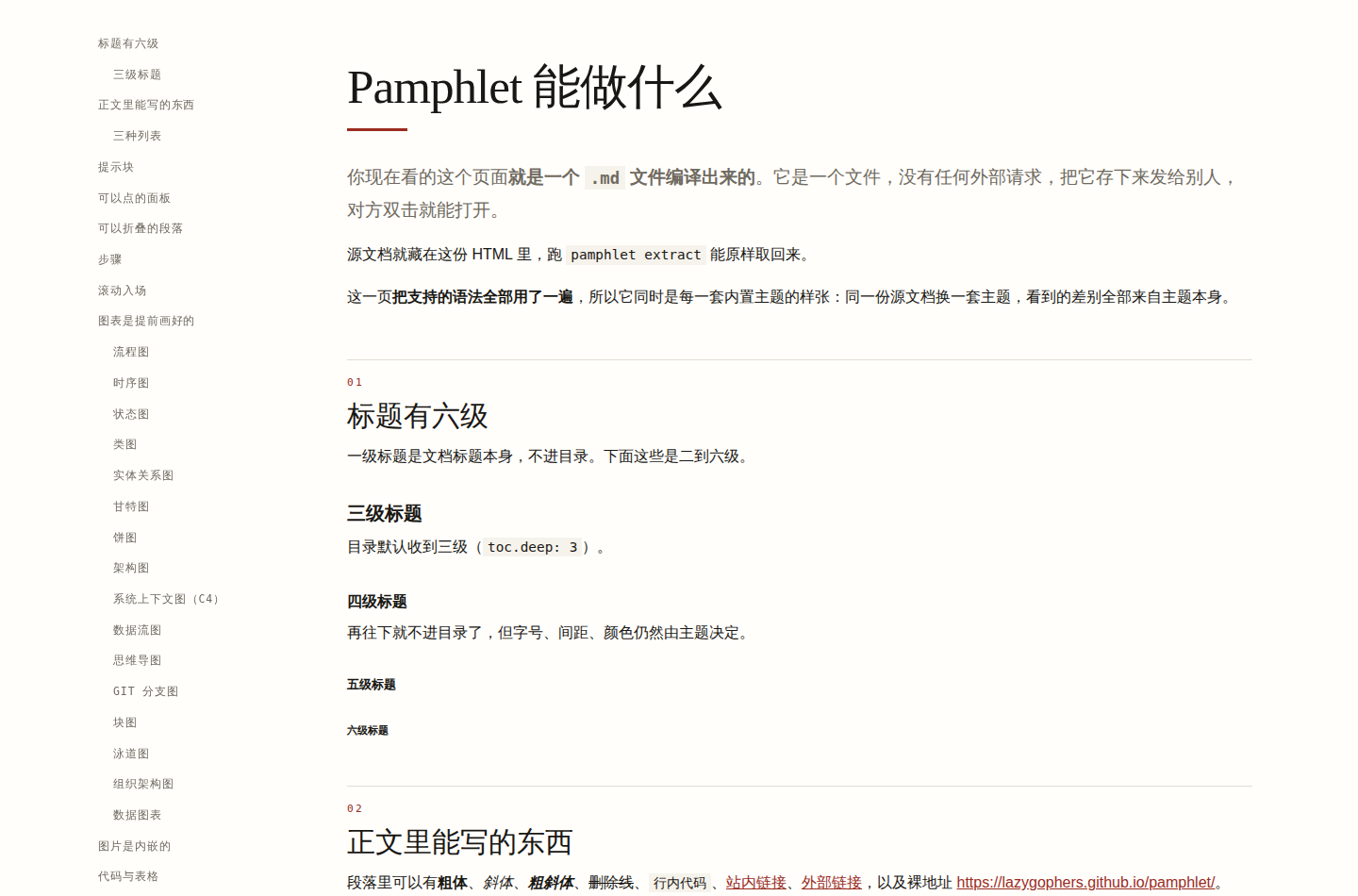
editorial
杂志内页。3.2rem 衬线大标题、`01` `02` 章节编号、报头式 Tab、引言居中横线包夹、表格只留上下粗线。
屏幕上
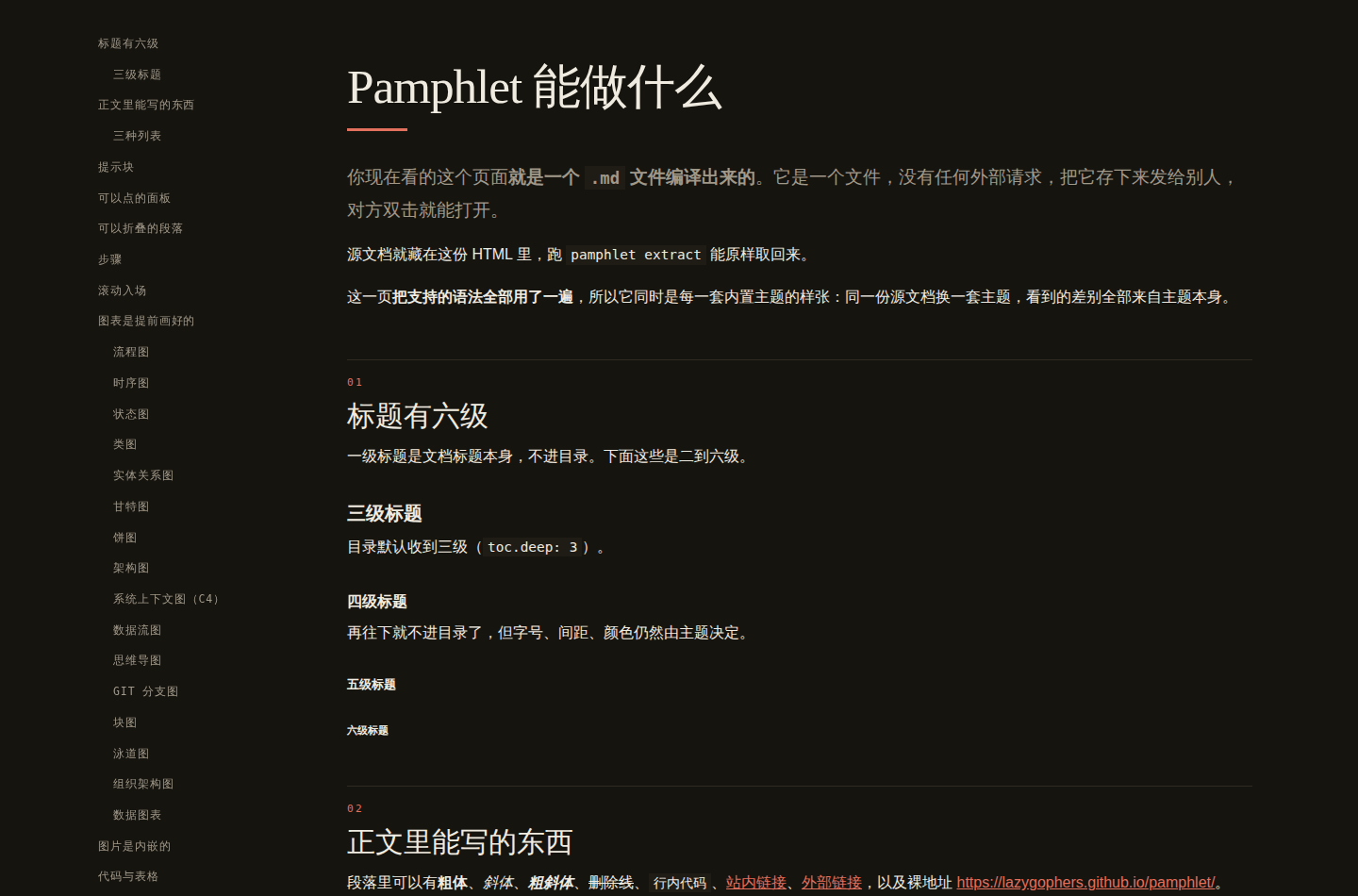
打印时
console
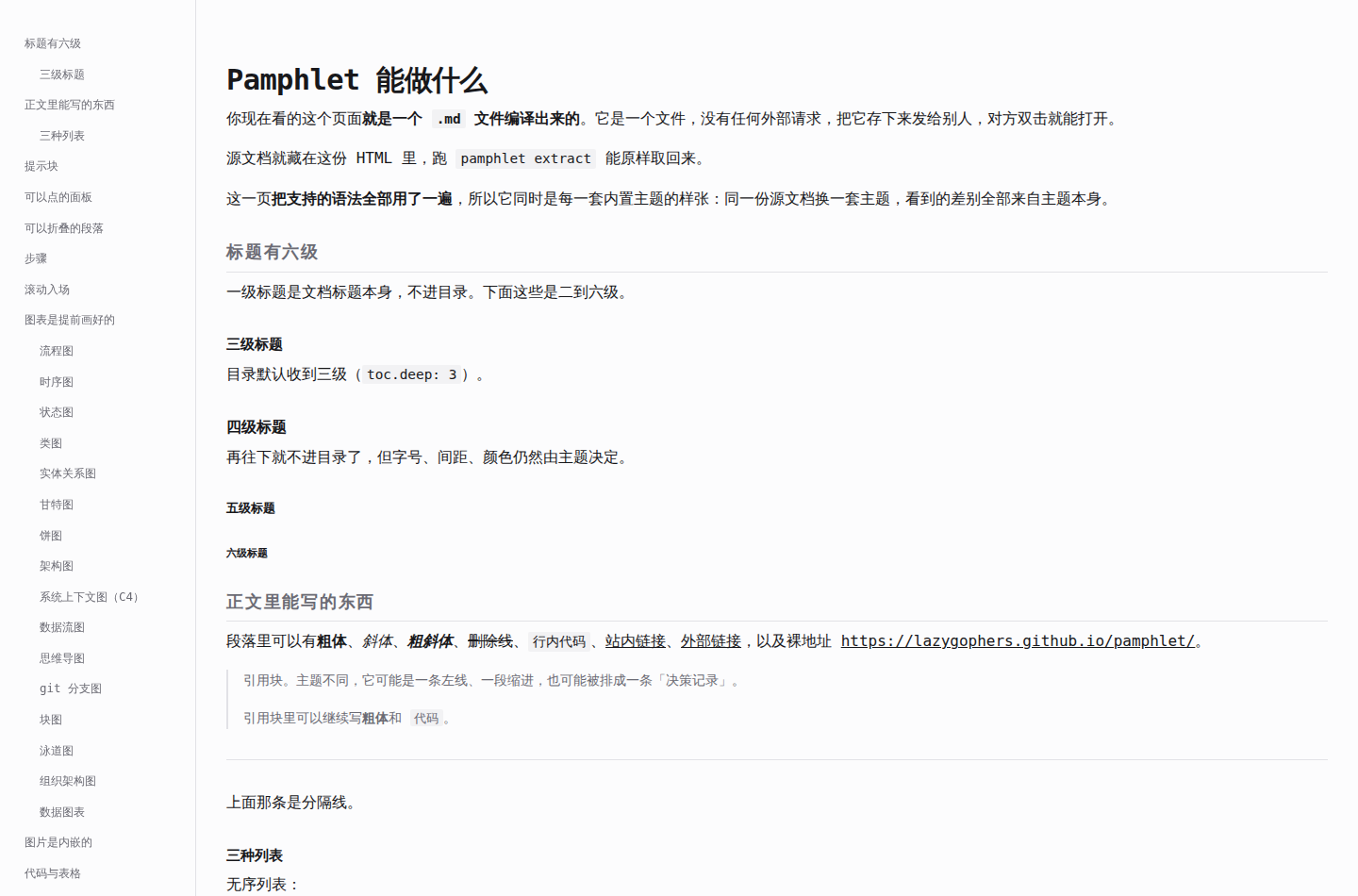
盯着看的面板。全等宽、带竖线的菜单栏、方括号标签的提示块、分段控件式 Tab、高密度表格。
屏幕上
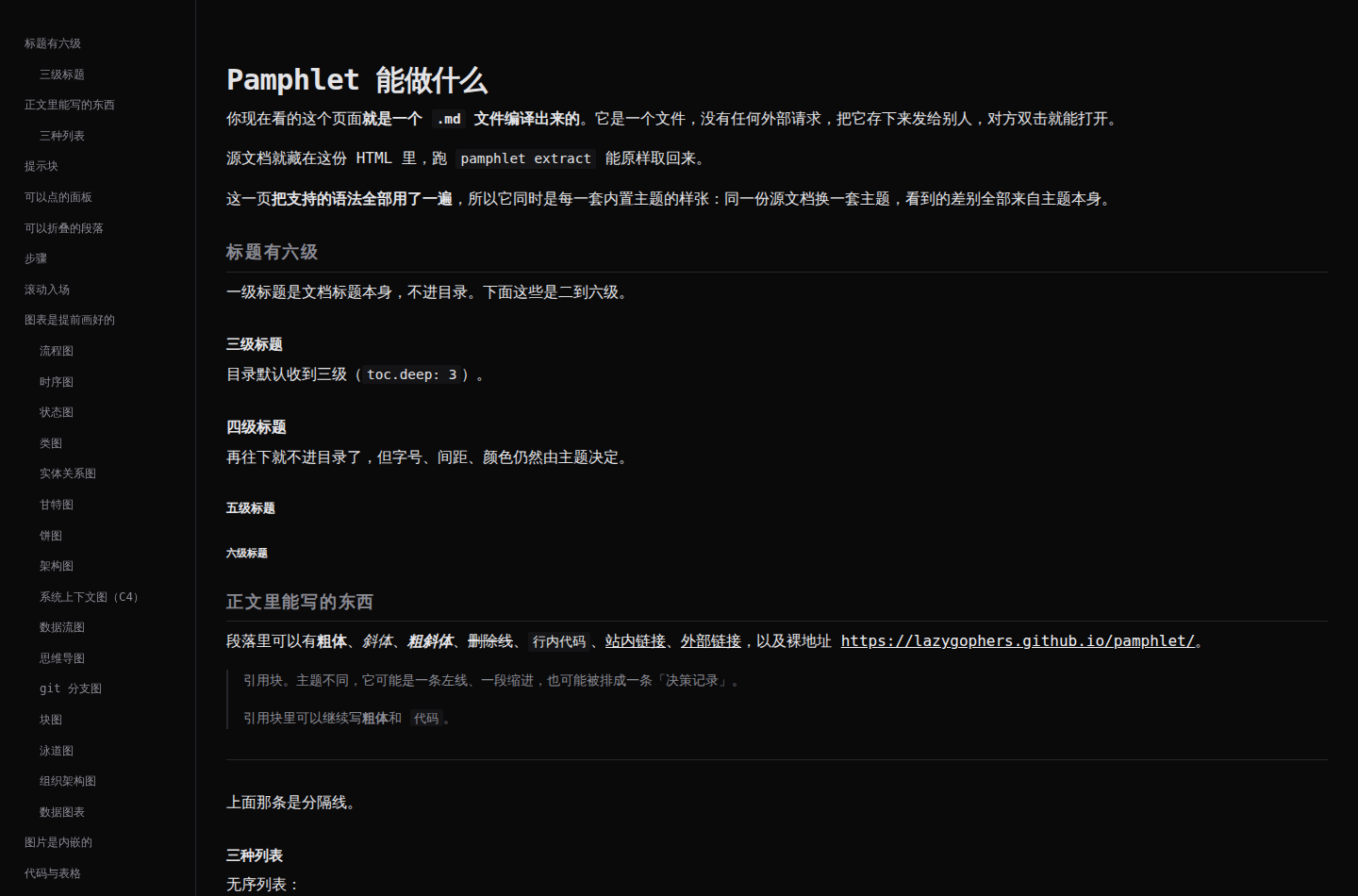
打印时
paper
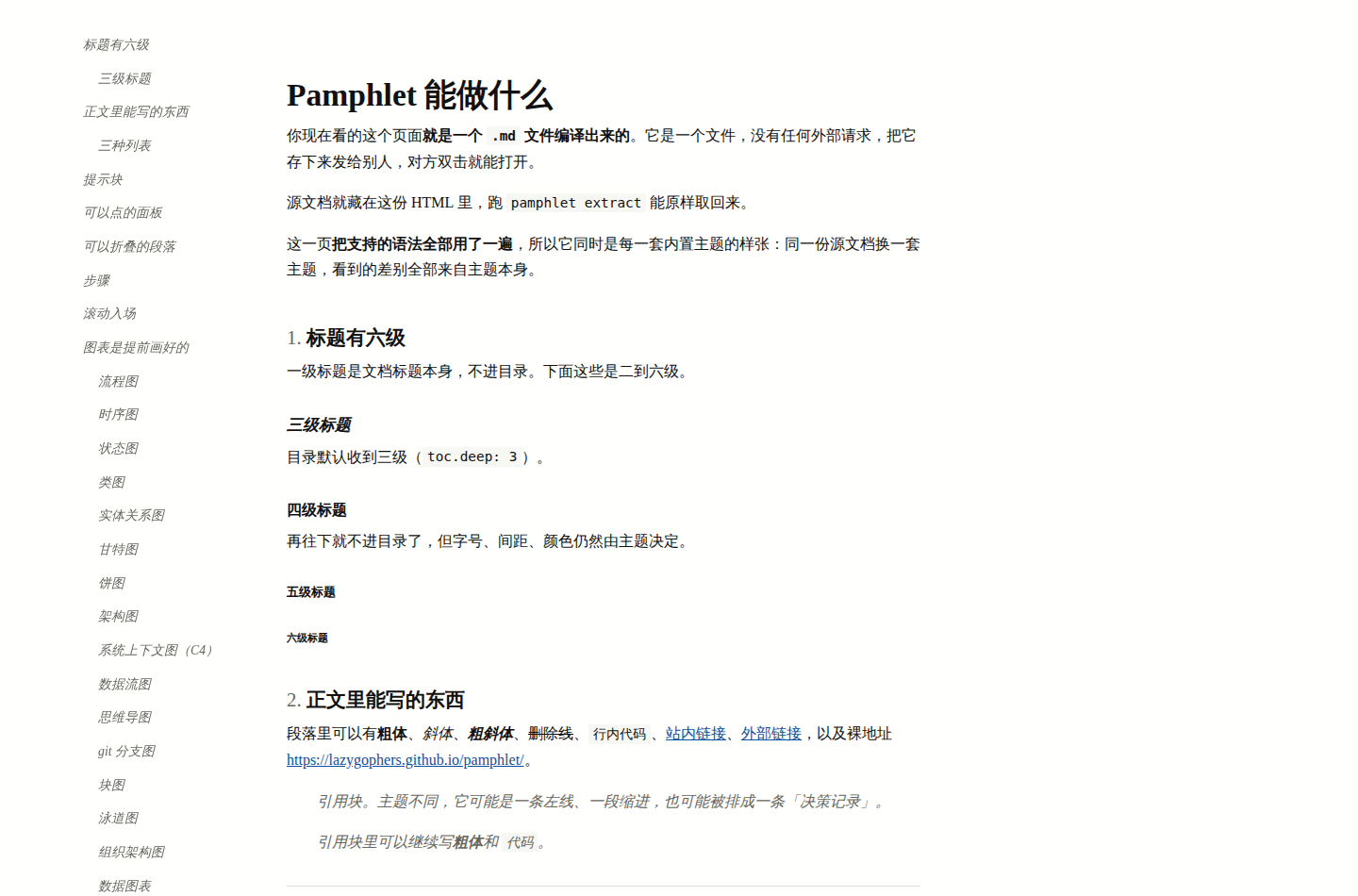
论文。衬线正文、`1.` `2.` 编号标题、斜体三级标题、提示块变边注、三线表。
屏幕上
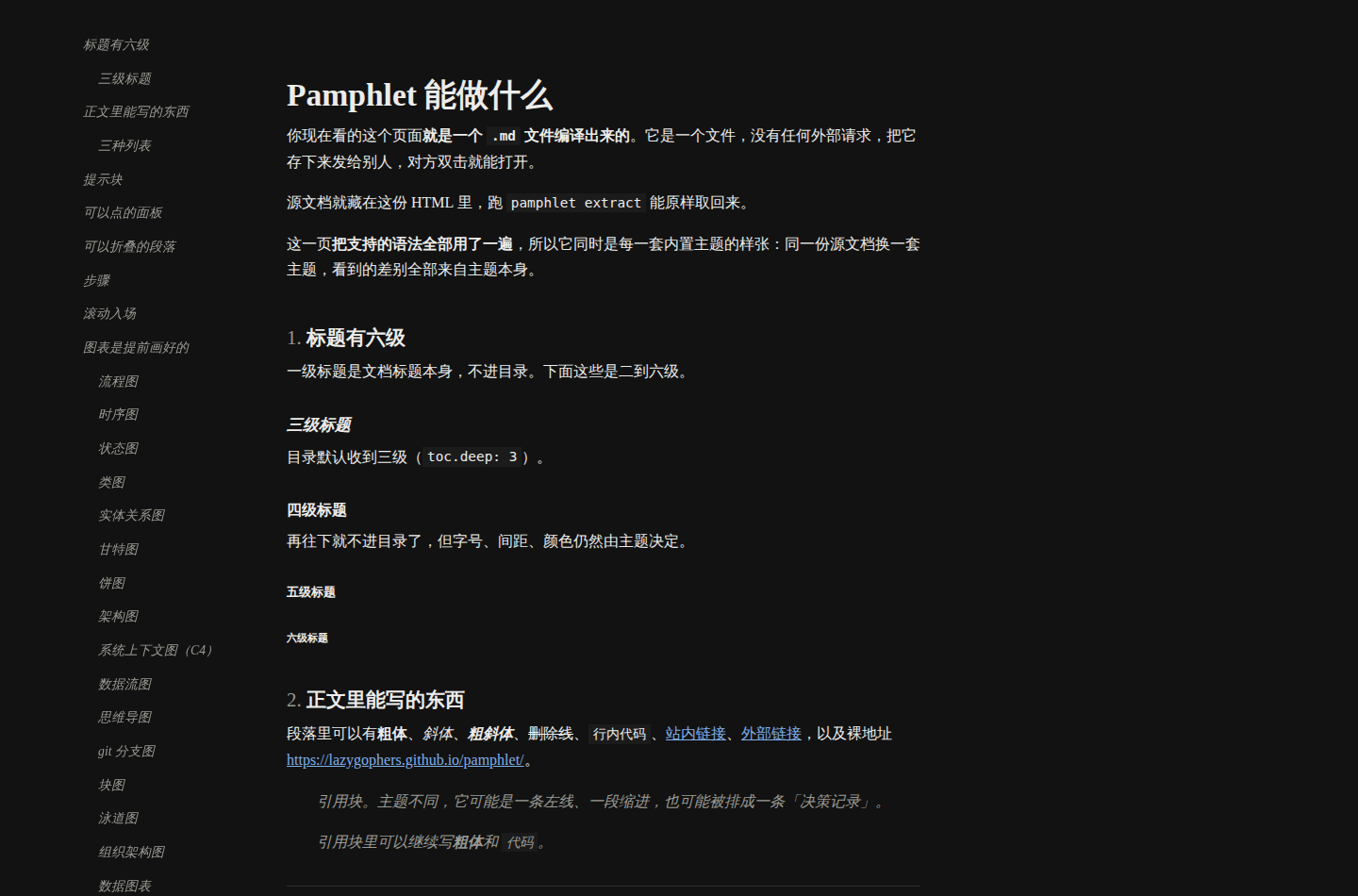
打印时
fiction
为连续阅读排的版:窄栏、首行缩进两字、段间不留空、首字下沉、场景分隔是居中三点。提示块变成作者旁白。
屏幕上
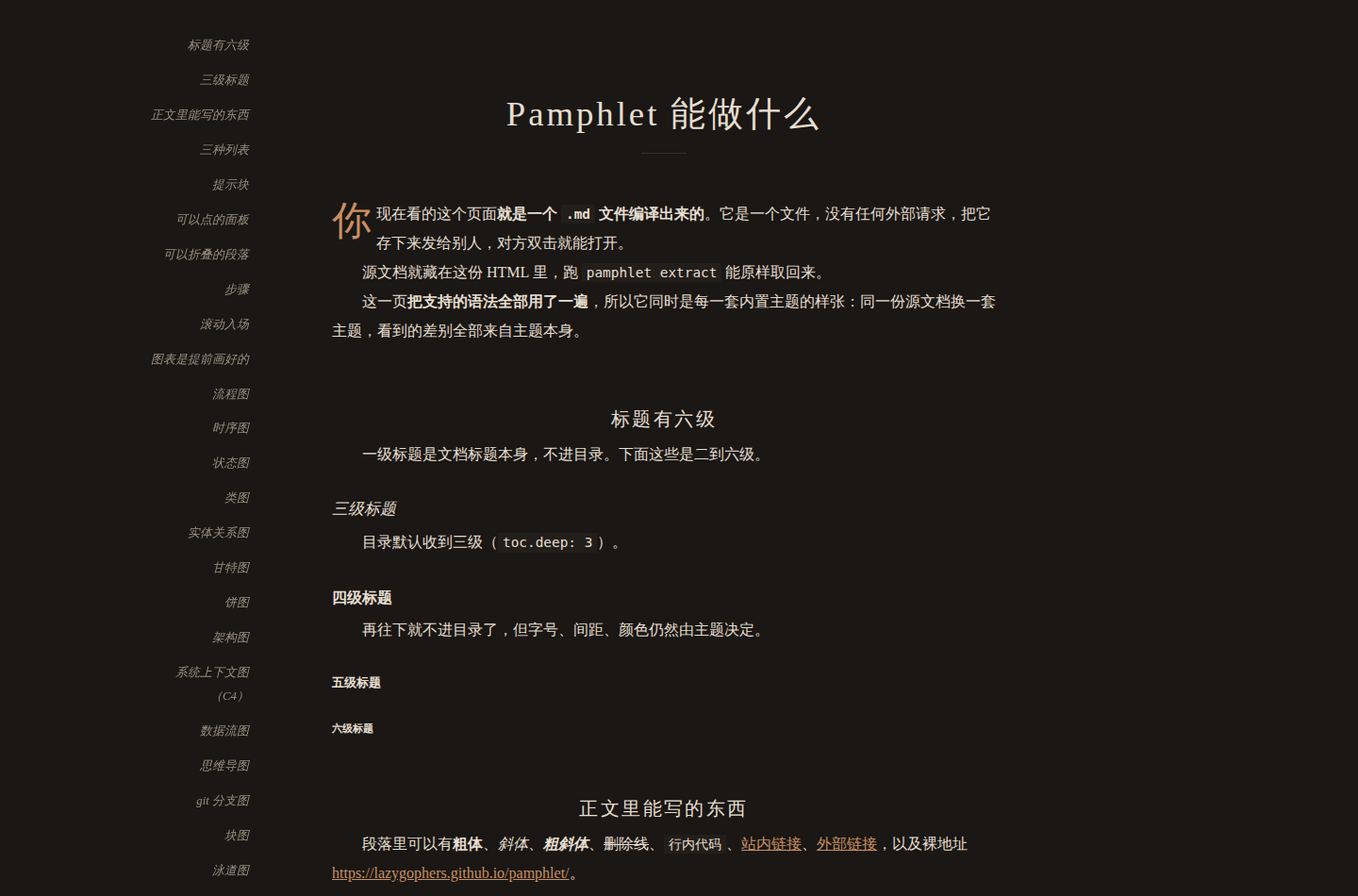
打印时
manual
代码块是主角:左侧色条、更大的内边距。长表格的表头吸顶、斑马纹,文件夹标签式 Tab。
屏幕上
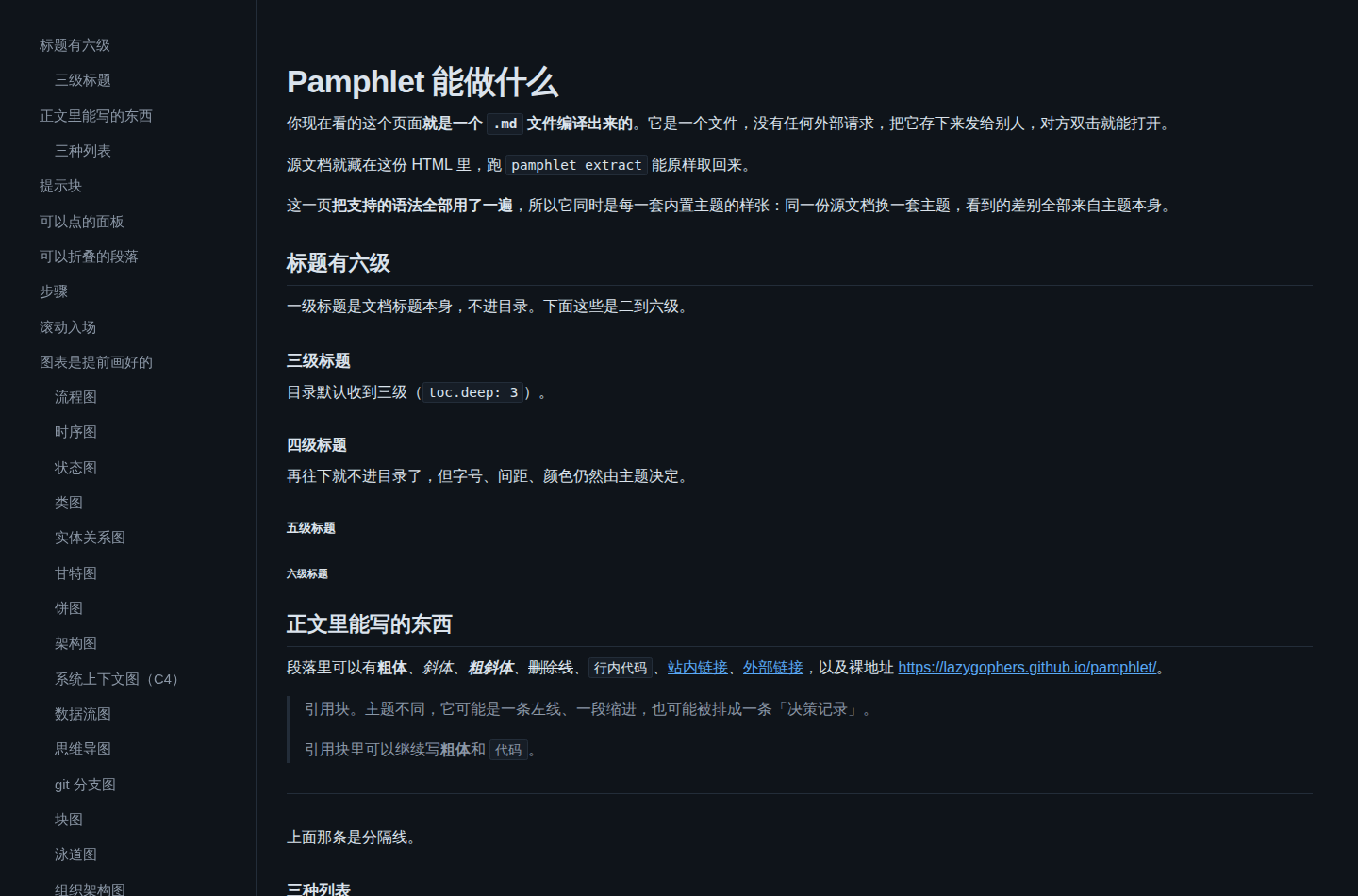
打印时
prd
每个二级标题是一条带 `R01` 徽章的需求。验收清单是真的复选框,提示块变成约束卡片,Tab 是胶囊分段控件。
屏幕上
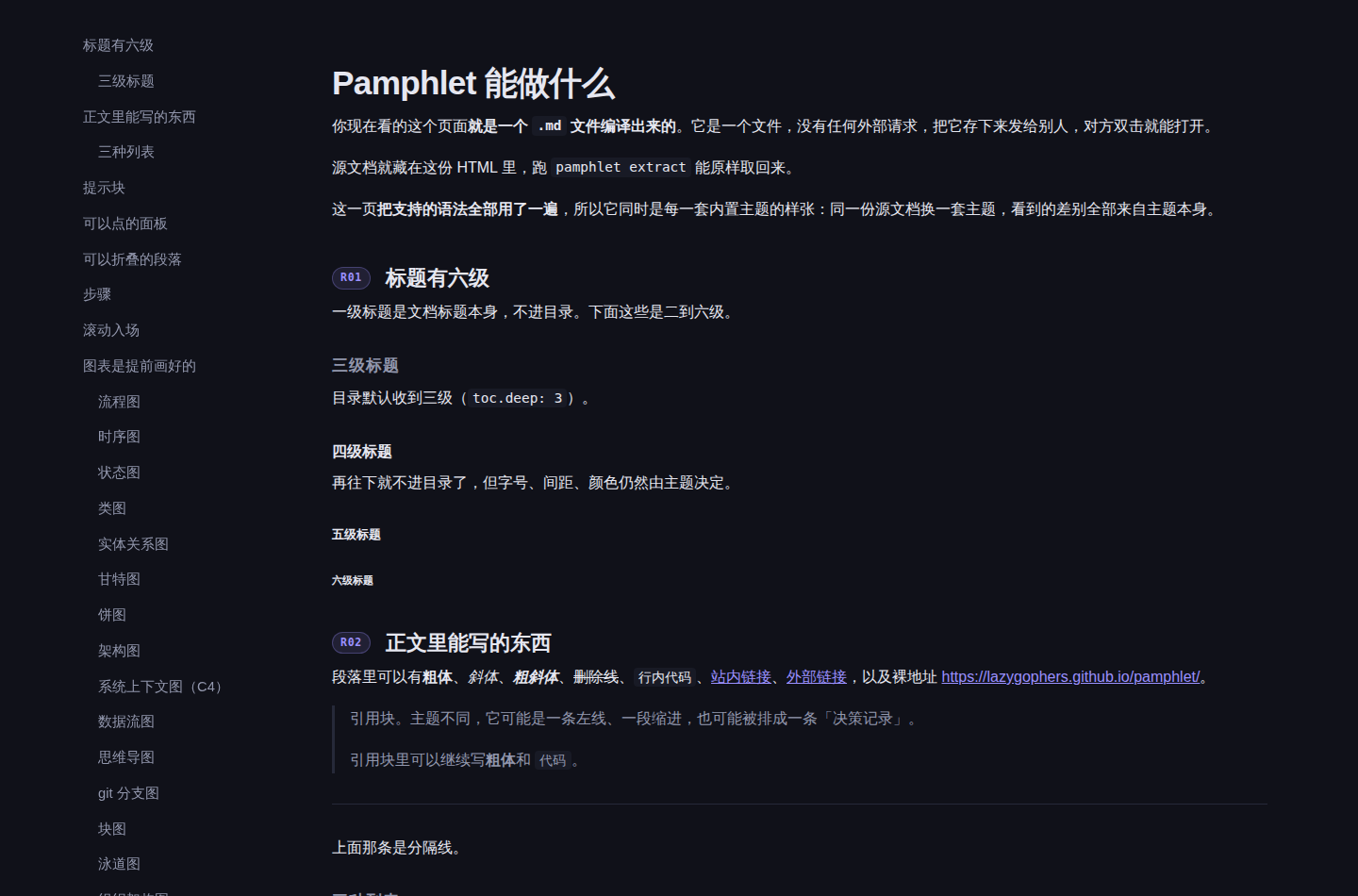
打印时
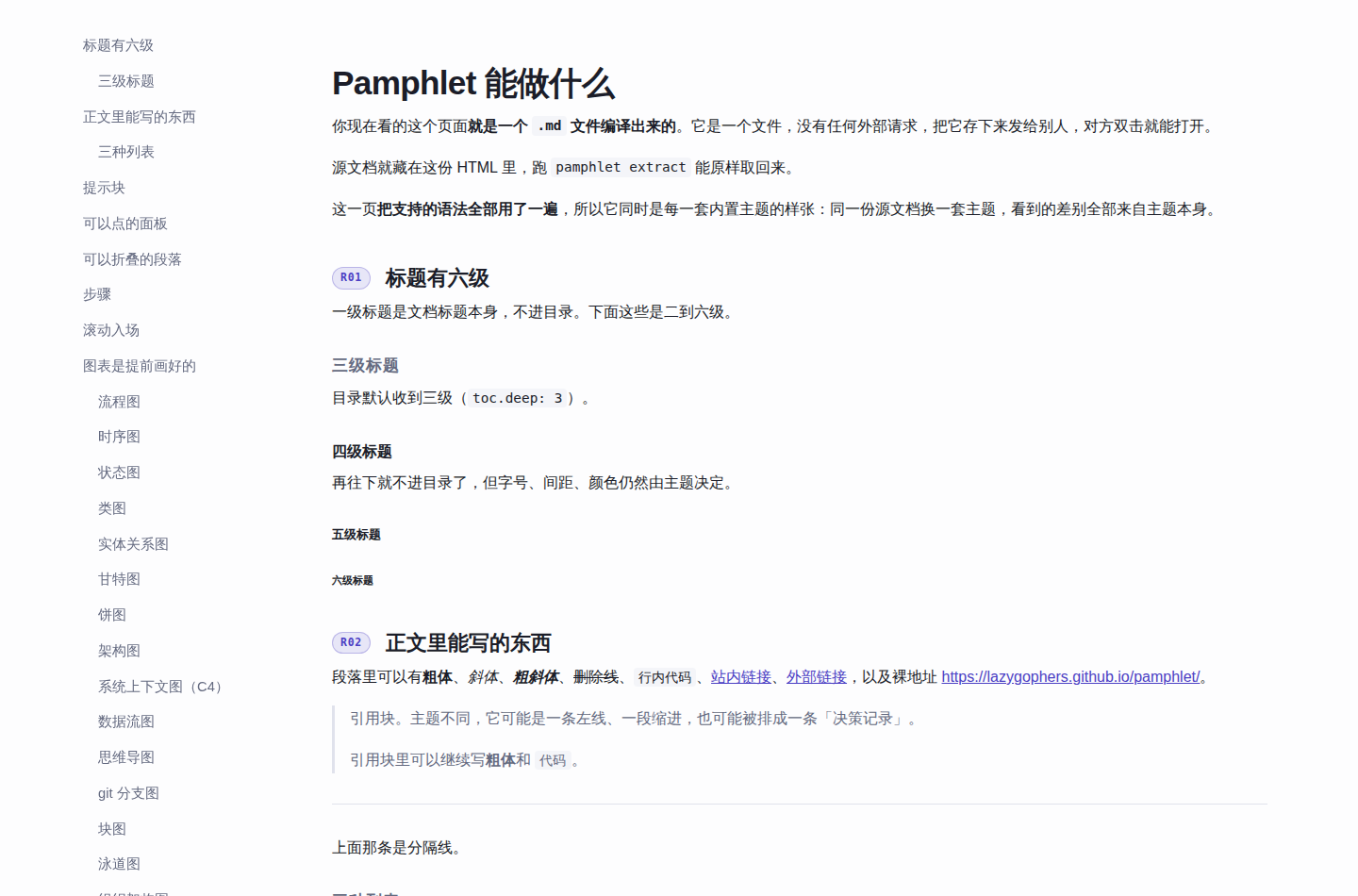
architecture
图占最宽的画布(94rem)并带边框。引用块渲染成「决策」记录,表格是三线表,标题带 `§` 编号。
屏幕上
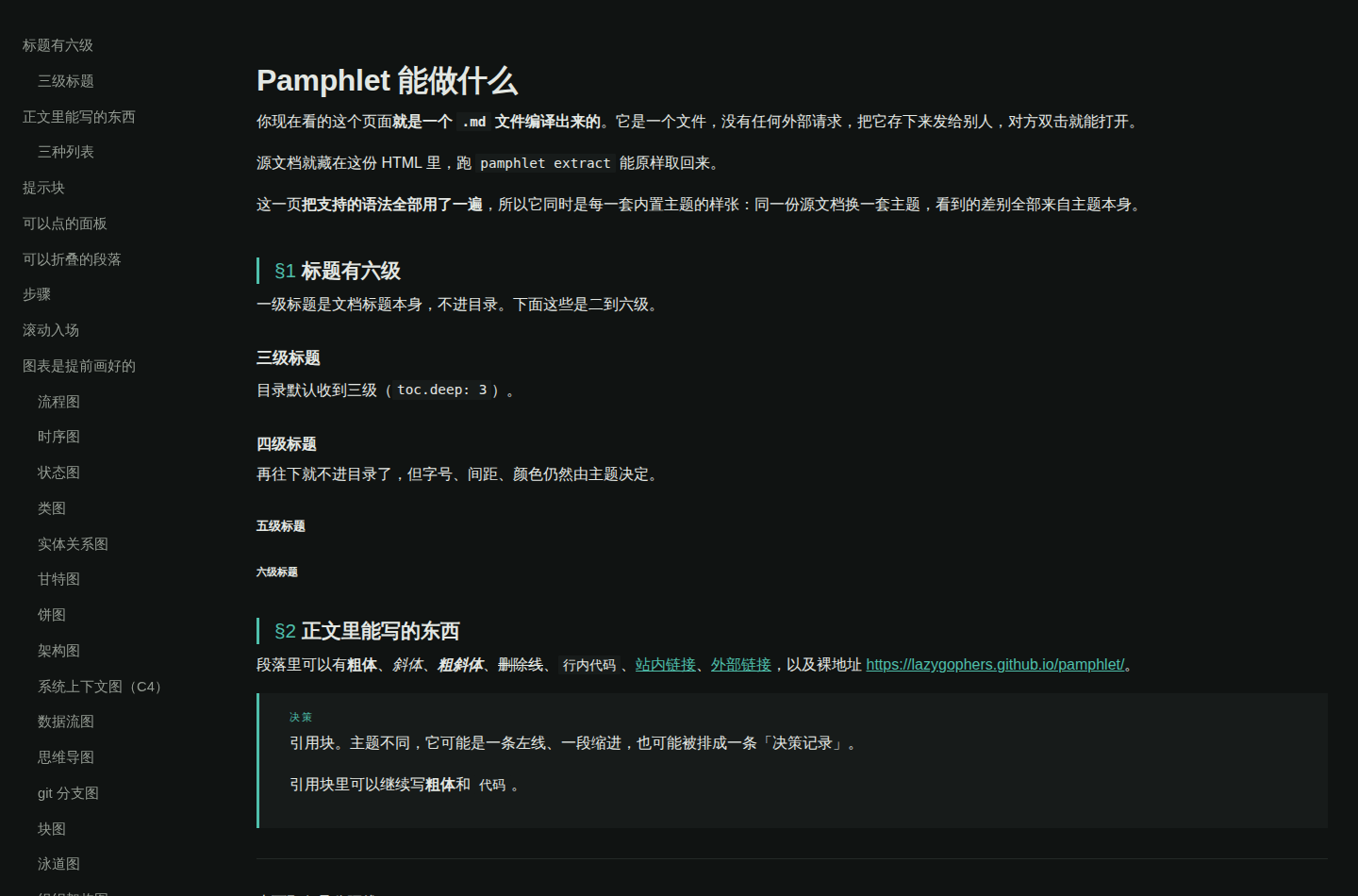
打印时
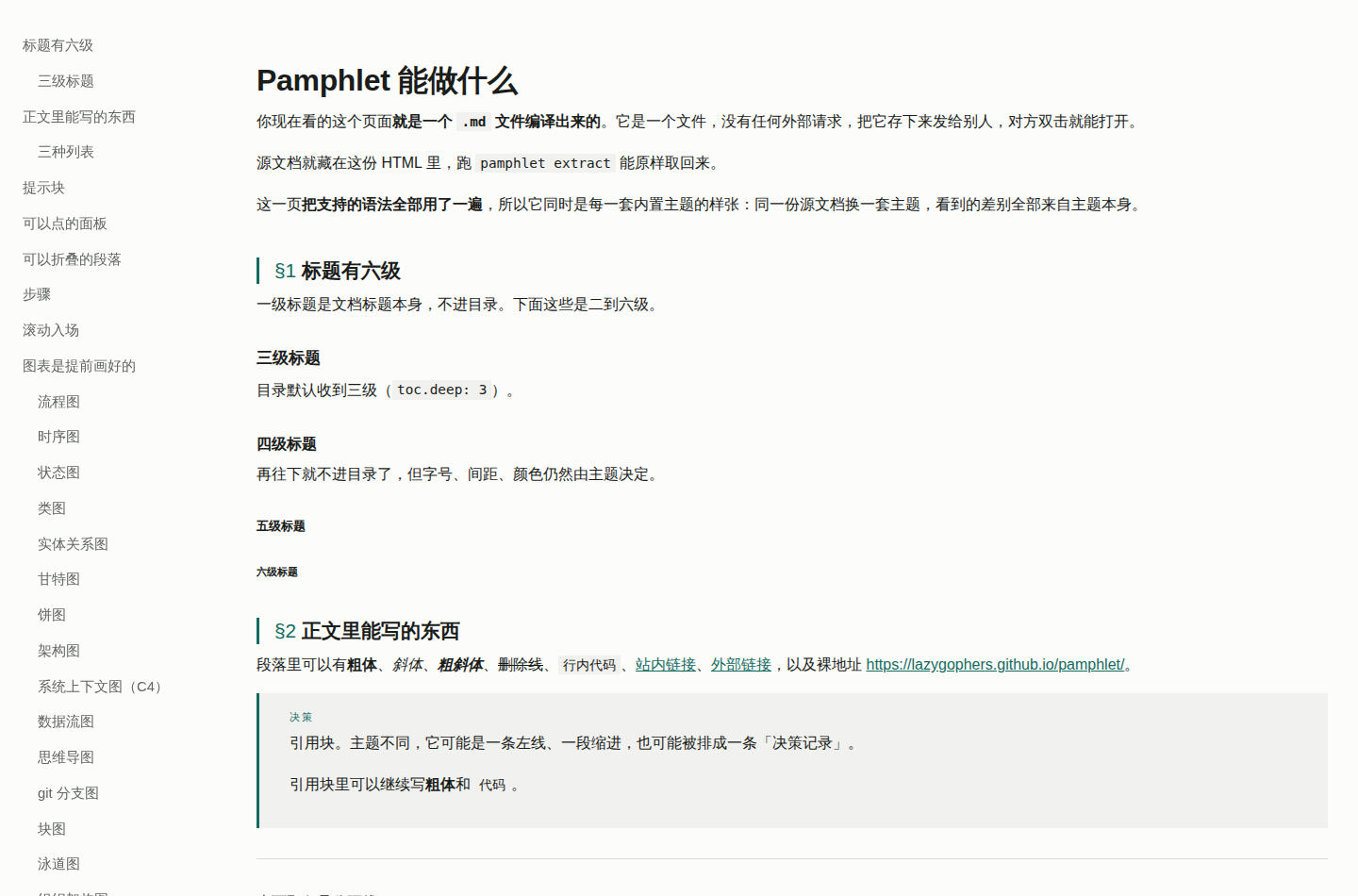
blueprint
密度优先。三级编号 `1` / `1.1` / `1.1.1`、等宽标题、紧凑字段表 —— 给「一条条对着实现」的人看的。
屏幕上
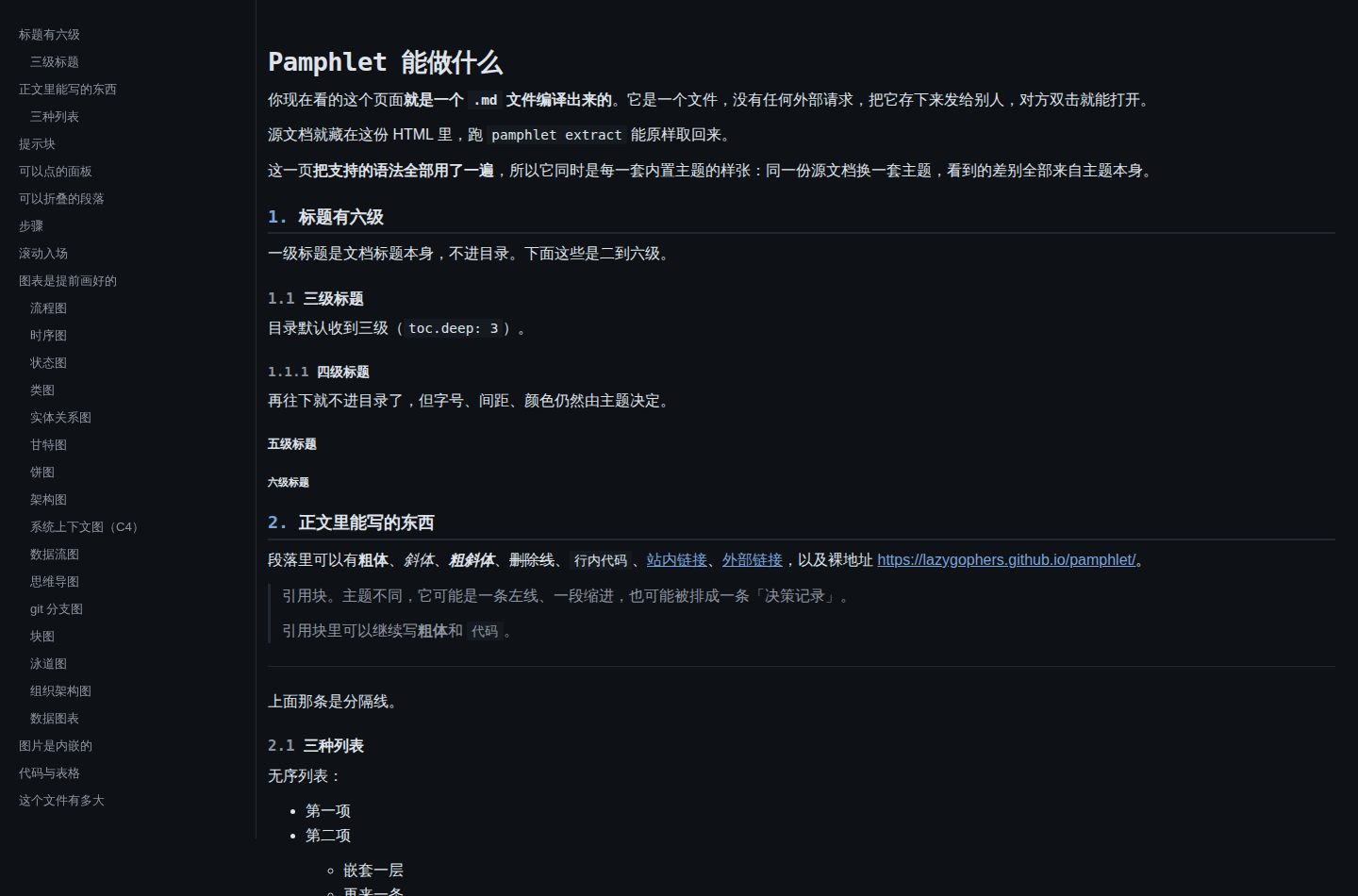
打印时
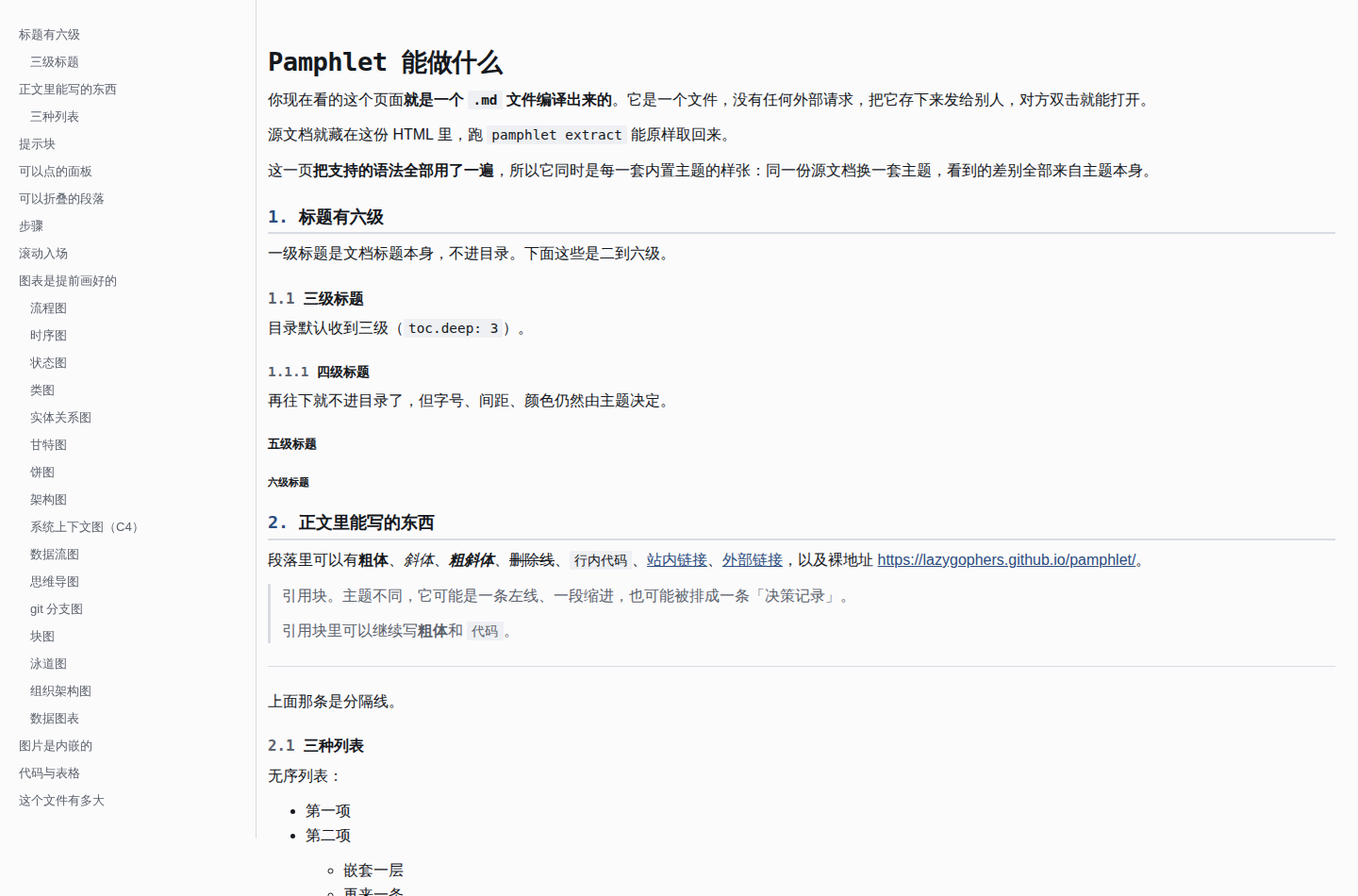
incident
步骤变时间轴(竖线 + 红点)。标题带「事故报告」眉批,`danger` 压过页面上其它一切,影响面表格一眼看完。
屏幕上
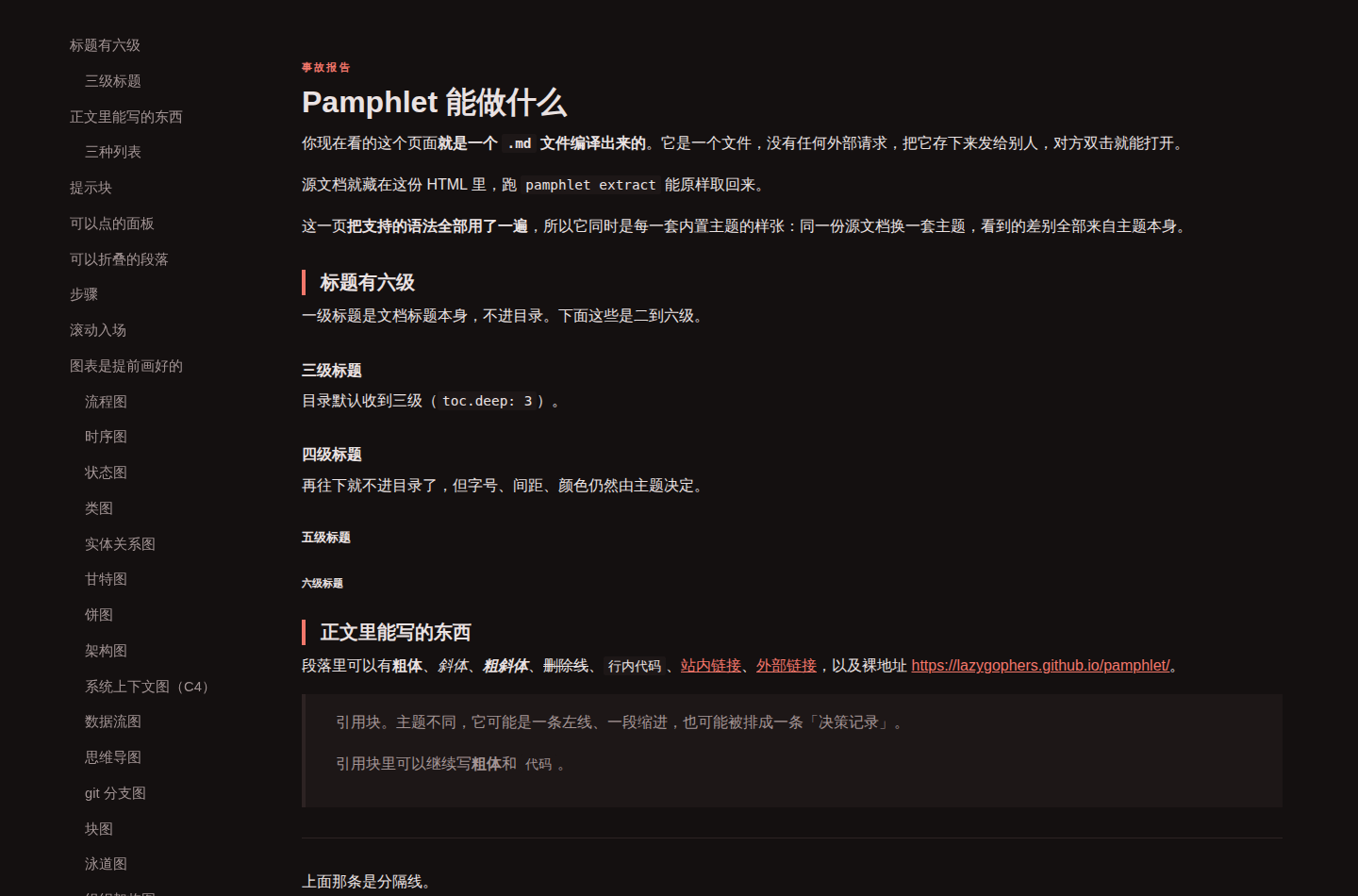
打印时
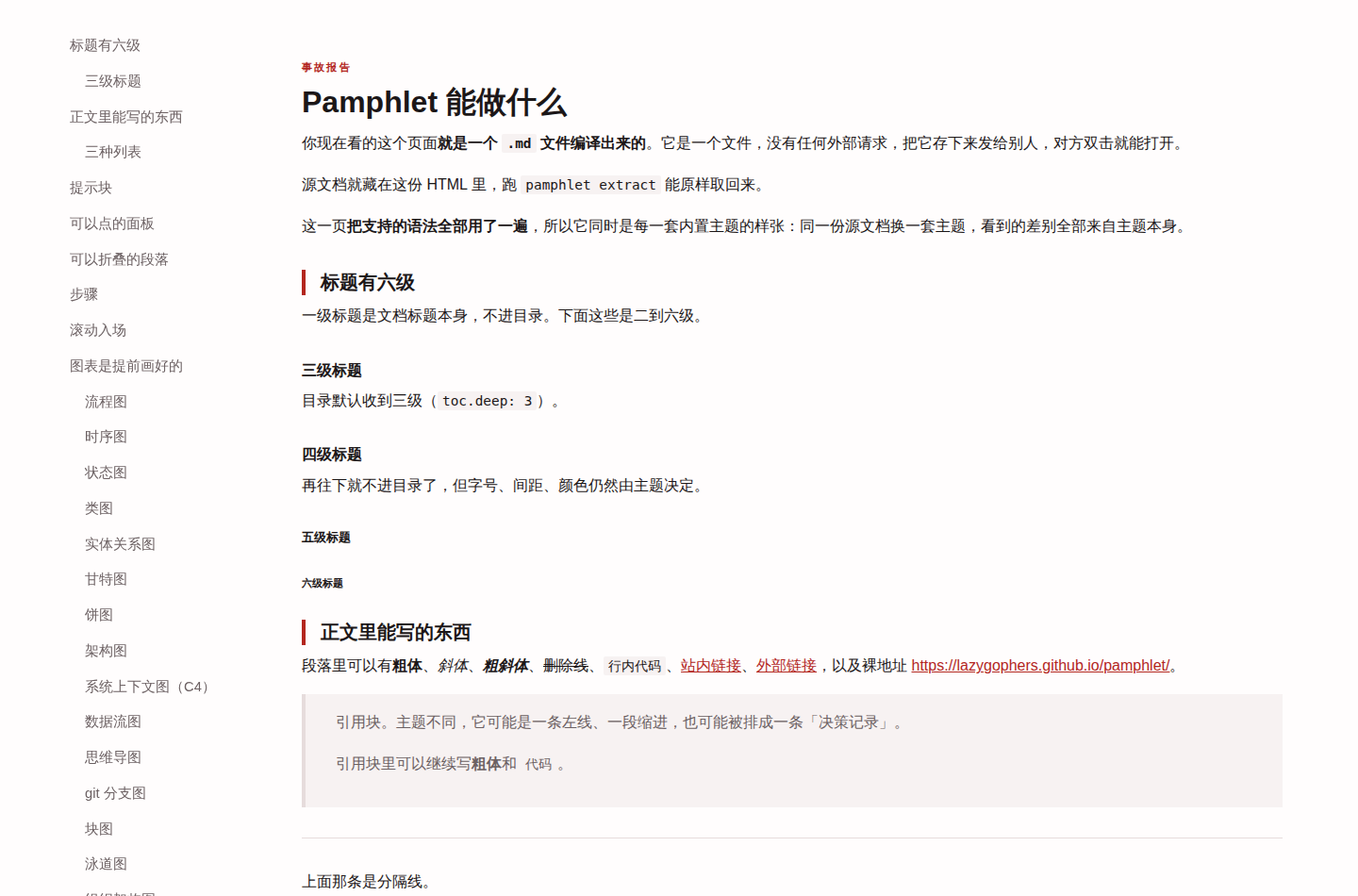
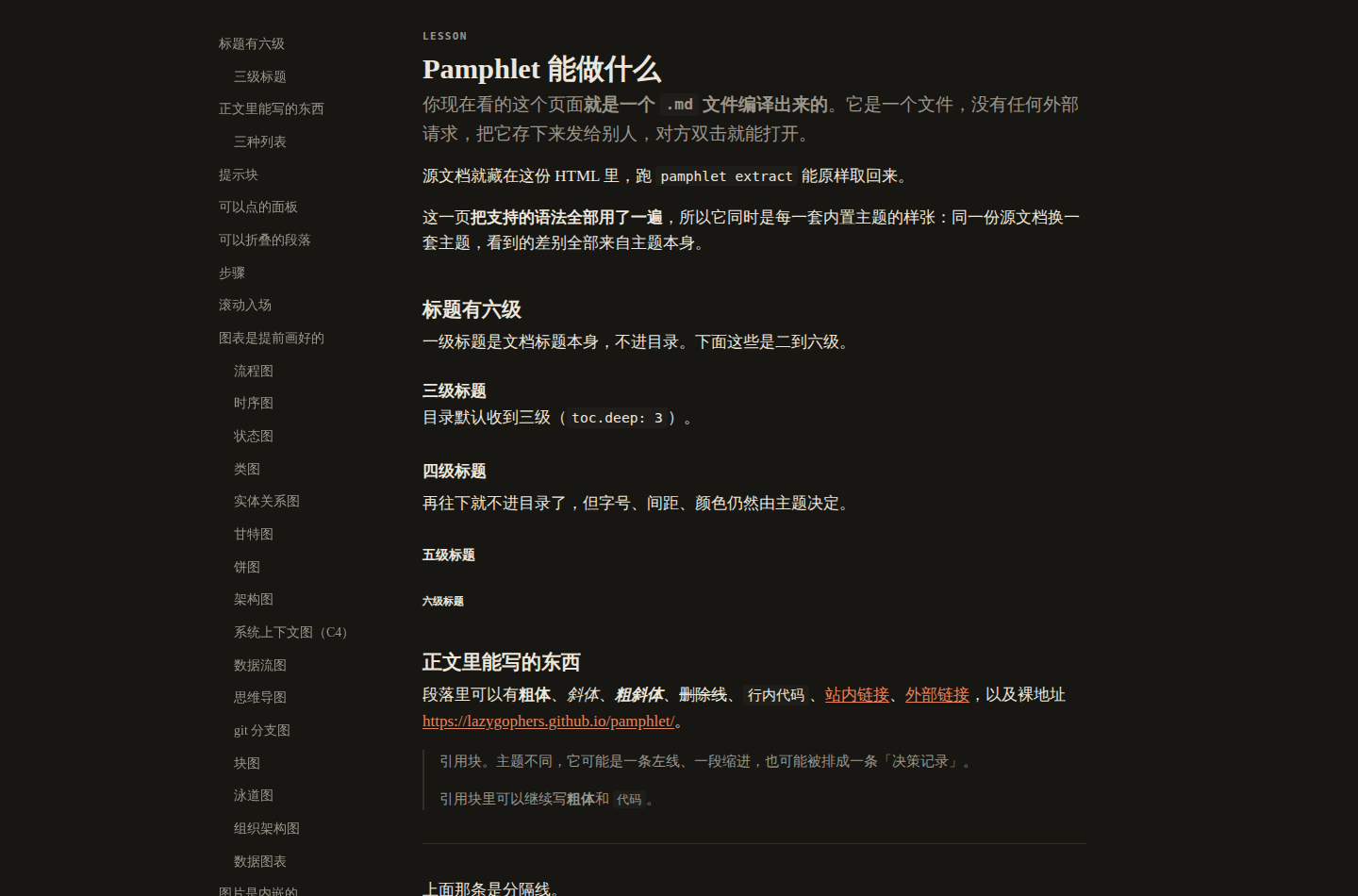
lesson
讲义。46rem 窄栏、衬线正文、标题下一行小号大写等宽眉批。提示块退成一条左线的旁注(`tip` 例外,是一个描边的重点框),表格只有横线,表头是小号大写等宽。
屏幕上
打印时
每一套都守同一条底线
主题能改布局,但这四条对每一套一视同仁,有浏览器层测试逐套钉着:
新增主题必须过这四关,不是可选项 —— 测试遍历主题清单,加一套就自动被覆盖。
侧边菜单
目录缺省是常驻侧边菜单,纯 CSS sticky,零 JavaScript:
窄屏(< 60rem)自动退回文档顶部。想放回正文开头写 toc: { position: top },详见 frontmatter 参考。
自己改一点
不想整套换、只想动一两个颜色,走换一套主题色。两条路可以叠加:先 --theme paper 再覆盖 --pf-primary。
全部 18 个语义 token 和 16 个元素 token 见主题 token。
出处:ADR-0046